


Blog
The Renter’s Guide to a Smart Home (No Drilling, No Wiring)

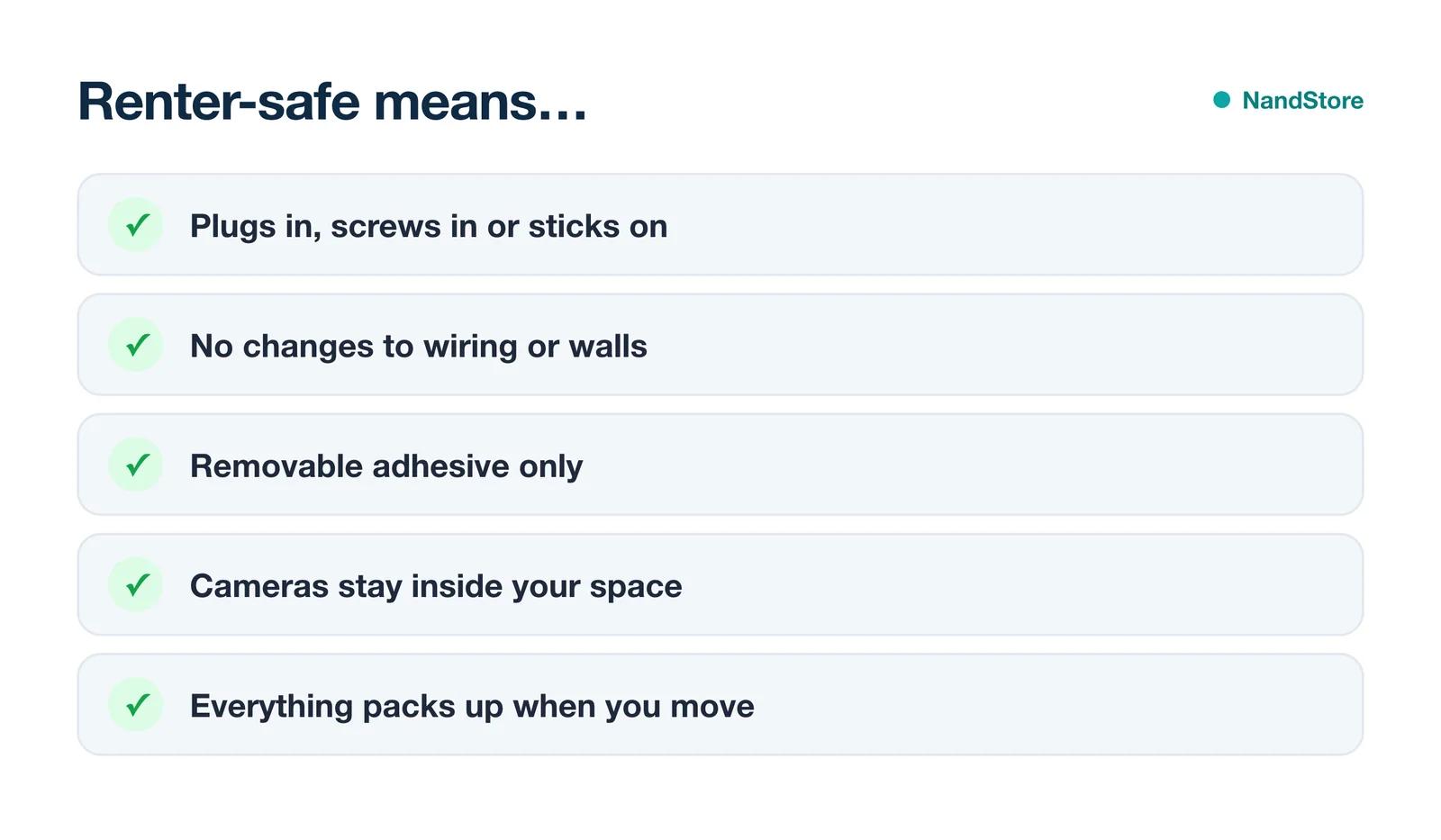
Renting doesn’t mean missing out on a smart home. Today’s best gear plugs in, screws in or sticks on, so nothing needs drilling or rewiring, and everything comes with you when you move.
- Start with 4 things: a smart speaker, smart plugs, smart bulbs and one camera.
- Choose your assistant first: Alexa, Google or Apple. Everything else follows.
- Prefer Matter devices so they keep working if you switch assistants.
- Skip anything that needs wiring unless your landlord agrees in writing.
The 4-device renter starter kit
Step 1: Pick your assistant
Your assistant decides which devices work best together. Alexa has the widest device range, Google suits Android homes, and Apple Home suits iPhone-only households.
Not sure? Read Alexa vs Google Home in 2026.
Step 2: Build it room by room
- Living roomSmart plug on a floor lamp, a sunset schedule, and a smart bulb in the ceiling light.
- BedroomBulbs that warm up at night and a plug on the fan for bedtime.
- KitchenA smart display for timers, recipes and your door camera.
- EntrywayA no-drill camera or battery doorbell, plus lights that turn on when you arrive.
- Balcony or patioAn outdoor smart plug for string lights.
Step 3: Avoid deposit-killers
| Skip this | Do this instead |
|---|---|
| In-wall smart switches | Smart bulbs + a stick-on remote |
| Hardwired doorbells | Battery doorbell with adhesive mount |
| Drilled camera mounts | Magnetic or adhesive mounts |
| Smart thermostat swap | Ask your landlord first, keep the old one |
Factory reset each device before you leave, and remove adhesive slowly with a little heat from a hair dryer to protect the paint.
Go deeper
- Best smart plugs in 2026
- Kasa vs Amazon vs Govee smart plugs
- Best outdoor smart plugs
- Smart bulbs vs smart switches for renters
- Best apartment security cameras
- How to set up a smart plug
FAQ
Do I need my landlord’s permission for smart home devices?
Not for plug-in, screw-in or stick-on gear inside your unit. Anything that changes wiring, or cameras covering shared areas, needs written permission.
What should I buy first?
A smart speaker and a pack of smart plugs. It’s the cheapest way to automate lamps and fans in a day.
Will my devices work in my next apartment?
Yes. Factory reset them, then set them up again on the new Wi-Fi in a few minutes.
Start small: a speaker and smart plugs this week, then add bulbs and a camera. Everything is renter-safe and comes with you.


